Category: IT

  • Podcast With Abdurrahman Ibrahim Adji

    Podcast With Abdurrahman Ibrahim Adji

    Podcast (about A day in my
    life)

    ok,assalamualaikum my name is zaid and OK, this time I made a video podcast and this podcast is with me and Abdurrahman Ibrahim Adji and here I discuss a day in my life in IDN and life hacks in IDN and here I am the resource person and Abdurrahman Ibrahim Adji (Baim) is the host.

  • Smart Watering Plan] Project 5

    Smart Watering Plan] Project 5

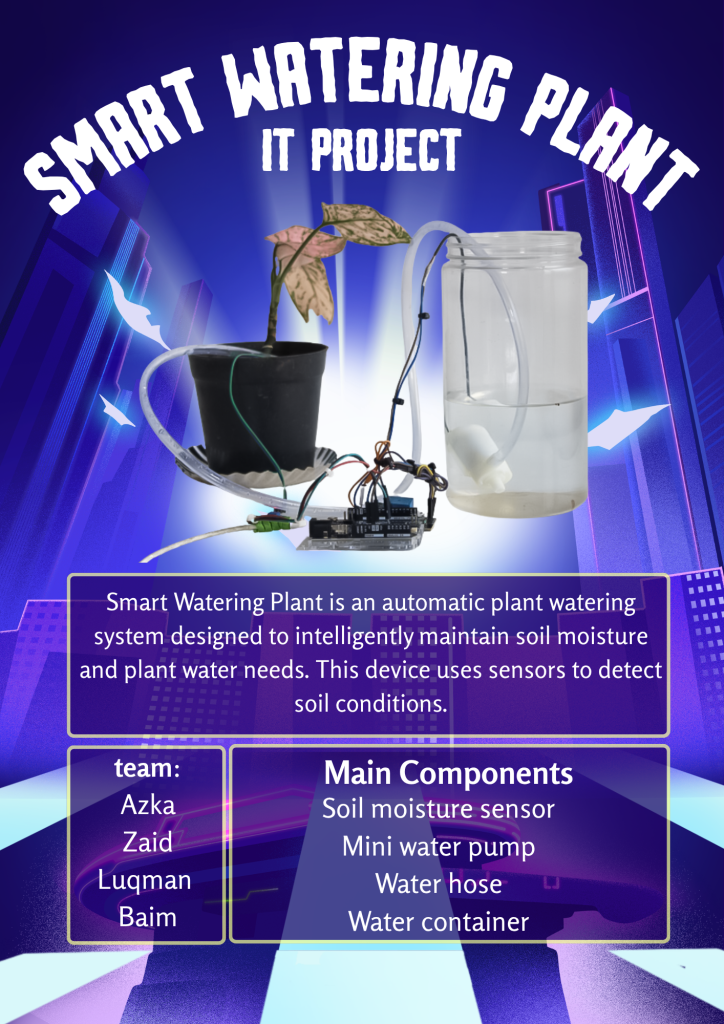
    Smart Watering Plan

    Okay, this time I’m making smart water plants with my team:

    Abdurrahman Ibrahim Adji

    Zaid Kun Abdulaziz

    Azka Abyasa Zaenal

    Luqman

    Here, I’m in charge of explaining the tools, and

    Baim’s job is to open and close the program and explain the tools used.

    Azka explains the program,

    Luqman explains the uses.

    Wasalammualaikum

  • IT Presentation (Tinybit Line Followwer) Project 3

    IT Presentation (Tinybit Line Followwer) Project 3

    IT Presentation Project 3 (About Tinybit Line Followwer)

    ok, this time I explain about Tinybit Line Follower and here I explain what is used such as microbit infrared sensor and reading the path and what is tinybit and its components such as Battery compartment / rechargeable battery, Buzzer, Rgb and others, and there are also difficulties when making tinybit line follower difficulties such as: Robot speed is too fast, sensor is not accurate and what must be achieved such as: no manual control, and follow the black line finally what is learned from tinybit line follower Basic robotics system, Sensor and motor control

  • Tinybit line follower

    Tinybit line follower

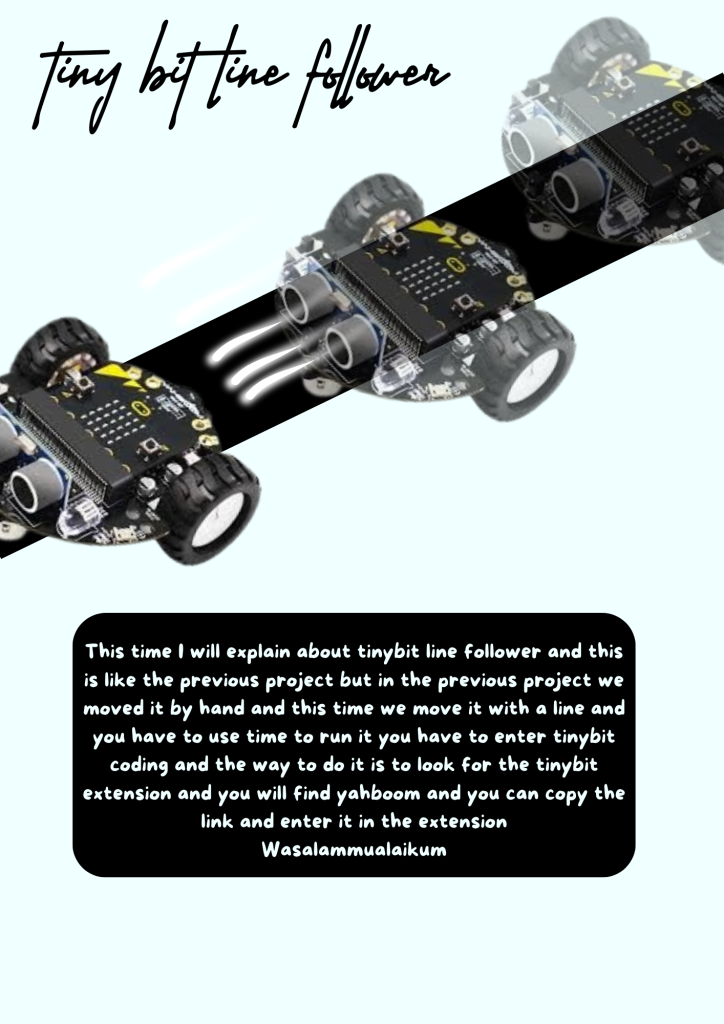
    Tinybit line follower

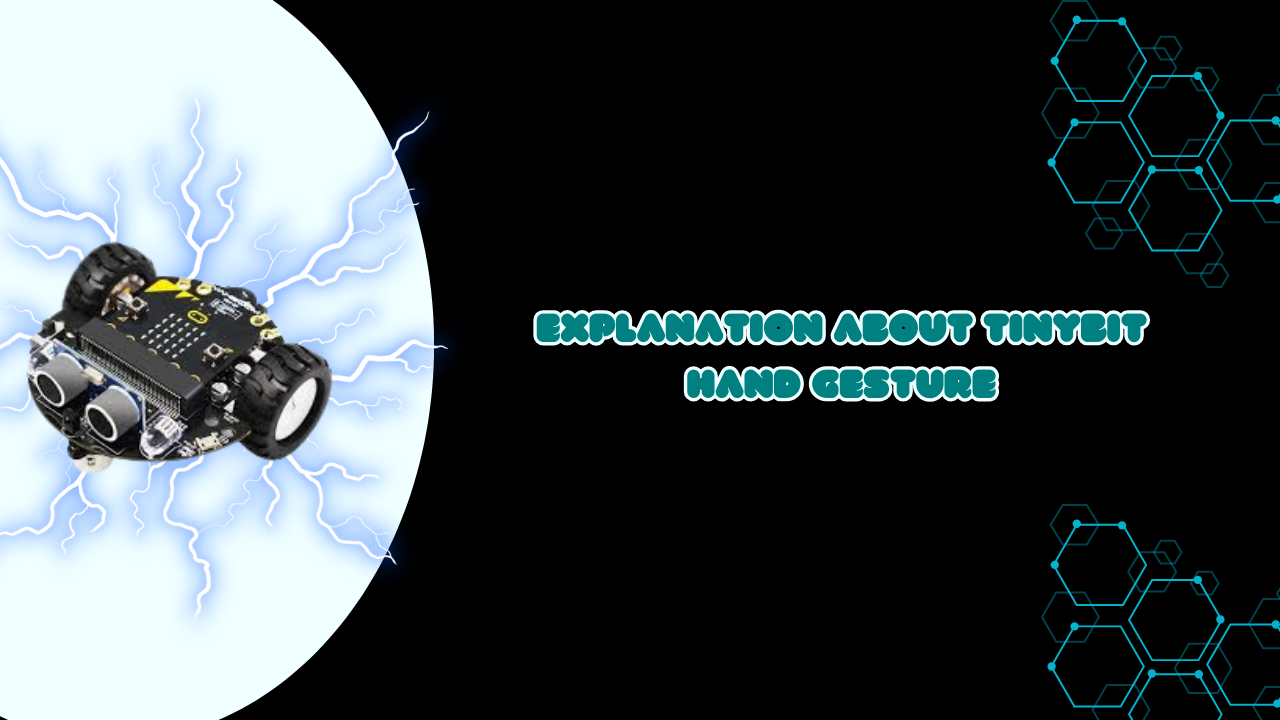
    This time I will explain about tinybit line follower and this is like the previous project but in the previous project we moved it by hand and this time we move it with a line and you have to use time to run it you have to enter tinybit coding and the way to do it is to look for the tinybit extension and you will find yahboom and you can copy the link and enter it in the extension

    Wasalammualaikum

  • Story telling (battle of badr)

    Story telling (battle of badr)

    Story telling (battle of badr)

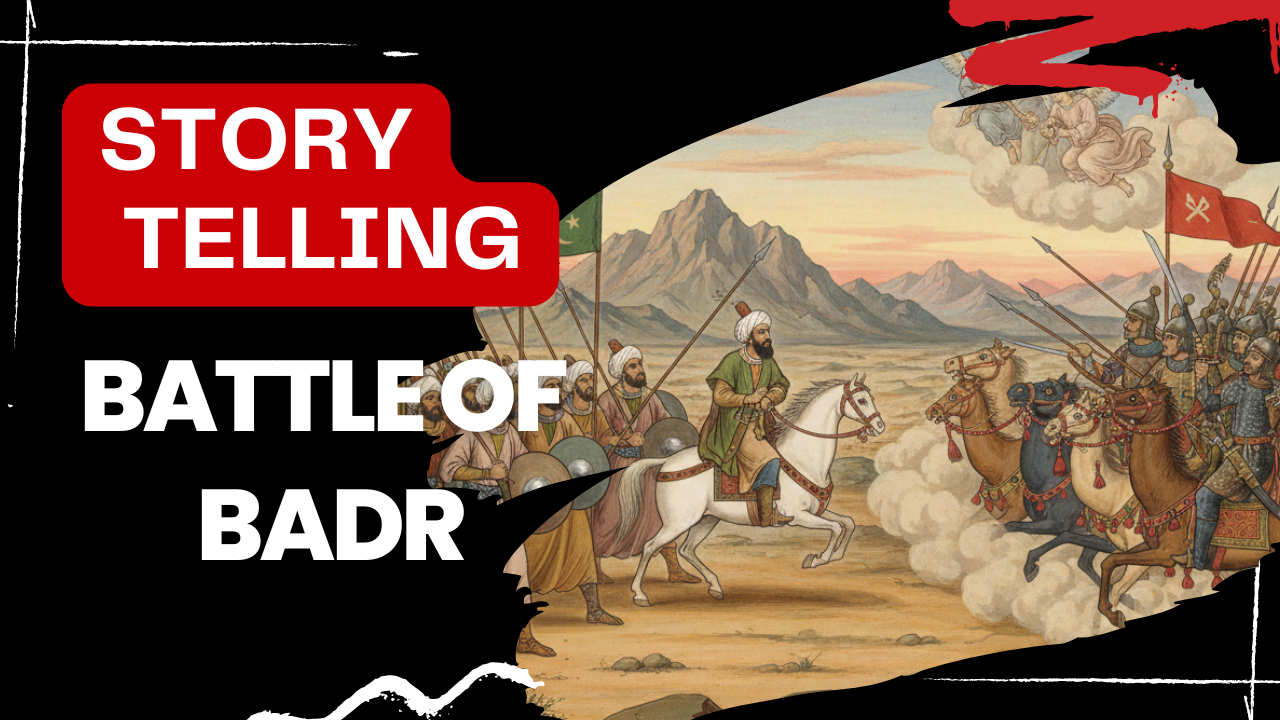
    ok,assalamualaikum my name is zaid and This time I will tell you about the Battle of Badr and here I will explain why this war happened, where it was fought, what happened to the Muslims, the preparations of the Muslims and the Quraysh before the battle, who did not participate, how many prisoners were taken and who was killed, and the impact after the war.

  • tinybit Hand gesture

    tinybit Hand gesture

    Tinybit hand gesture

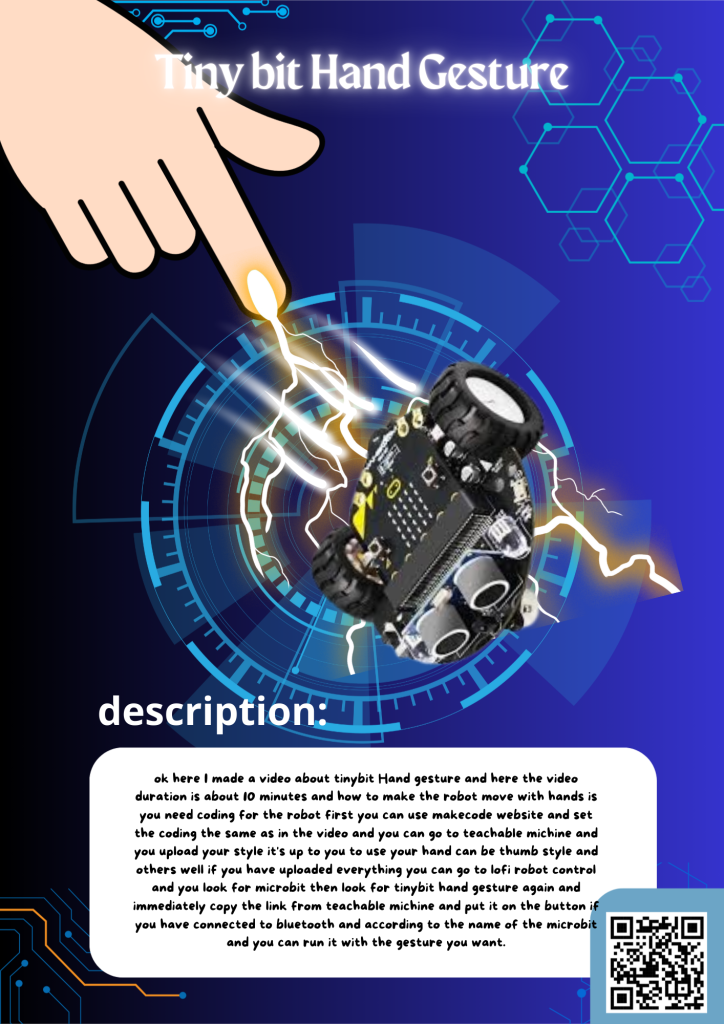
    ok here I made a video about tinybit Hand gesture and here the video duration is about 10 minutes and how to make the robot move with hands is you need coding for the robot first you can use makecode website and set the coding the same as in the video and you can go to teachable michine and you upload your style it’s up to you to use your hand can be thumb style and others well if you have uploaded everything you can go to lofi robot control and you look for microbit then look for tinybit hand gesture again and immediately copy the link from teachable michine and put it on the button if you have connected to bluetooth and according to the name of the microbit and you can run it with the gesture you want.

  • smart trashbin

    smart trashbin

    Smart Trashbin

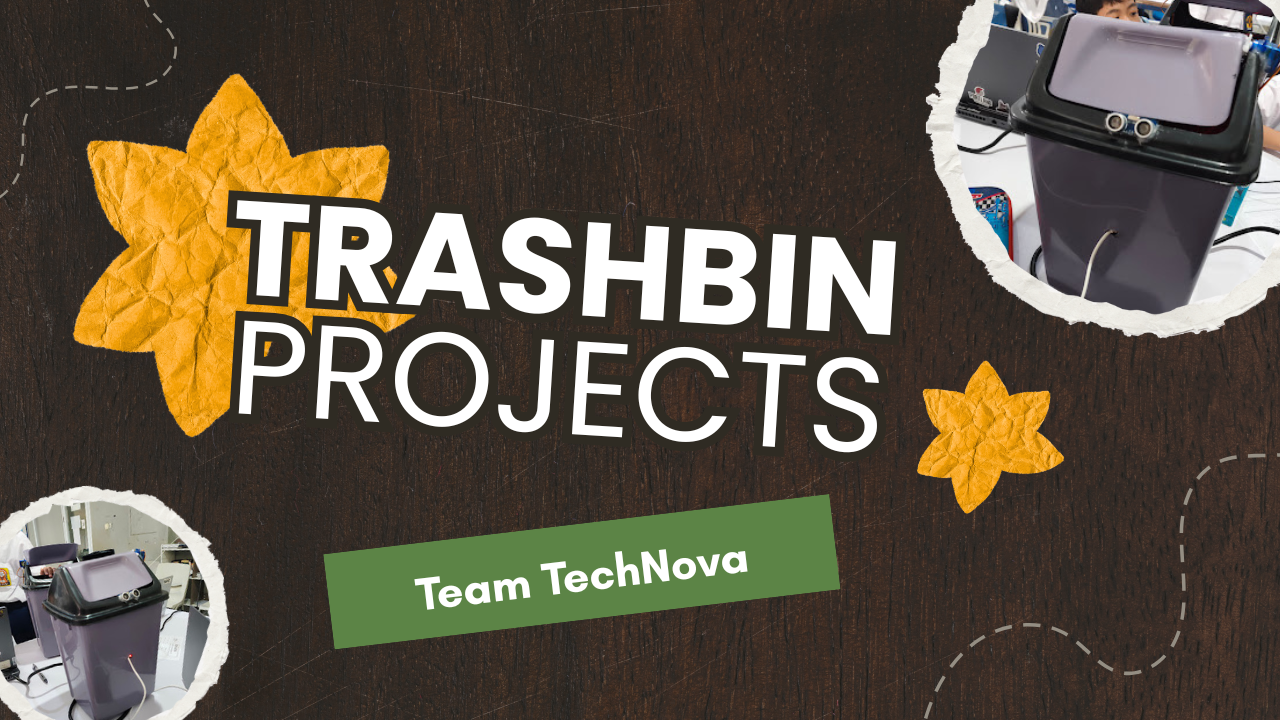
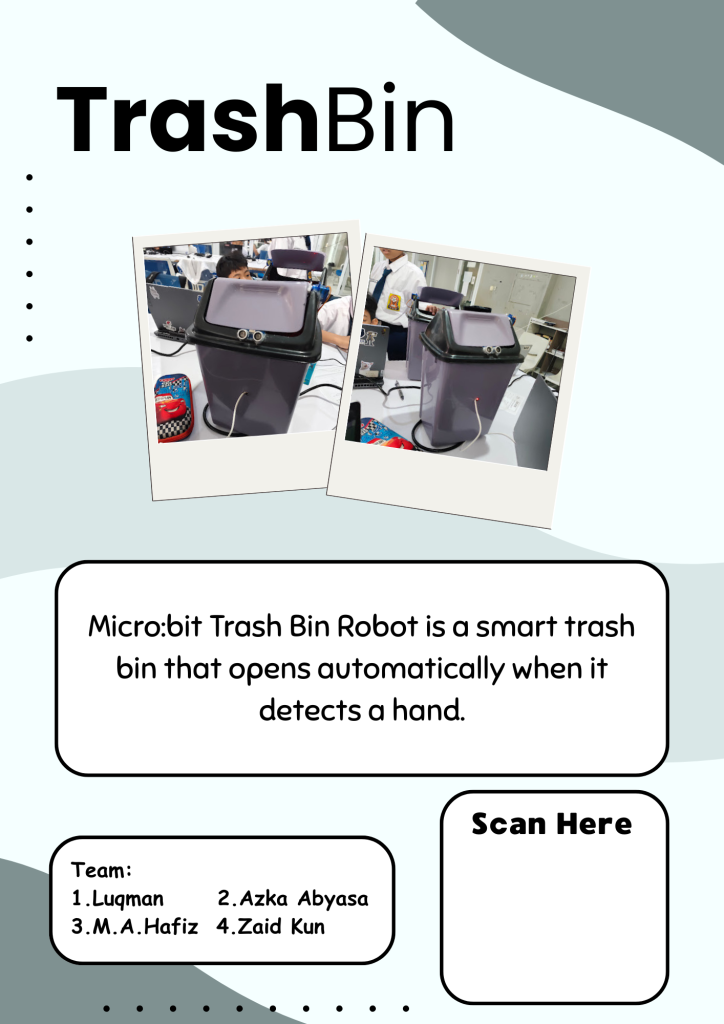
    Okay, here I made a smart trash bin and if you want to make this smart trash bin, you need something called a servo, microbit, extension cable, extension, ultra sonic, and you have to attach the servo to the side of the lid and I made this smart trash bin in about 5 days because there were many obstacles.

  • tinybit bluetooth controller

    tinybit bluetooth controller

    tinybit bluetooth controller

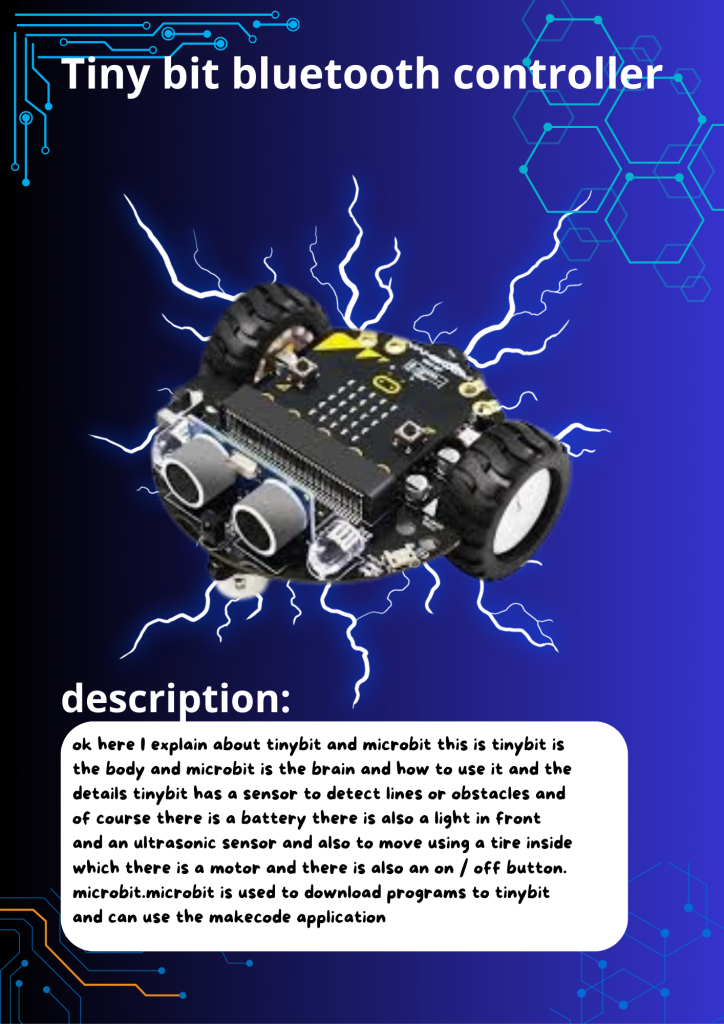
    ok here I explain about tinybit and microbit this is tinybit is the body and microbit is the brain and how to use it and the details tinybit has a sensor to detect lines or obstacles and of course there is a battery there is also a light in front and an ultrasonic sensor and also to move using a tire inside which there is a motor and there is also an on / off button.
    microbit.microbit is used to download programs to tinybit and can use the makecode application

  • review produce

    review produce

    review produce

    ok,assalamualaikum my name is zaid and this time I am reviewing a product, the product is the mouse robot series m206. and in the video I explain about its benefits and what is in the mouse and its advantages and disadvantages. and also I explain about its specs and I suggest you use this mouse for editing. if you use this for gaming you will not be too affected because this is not premium grade and this is not a gaming mouse.

  • The Defender

    The Defender

    The Defender

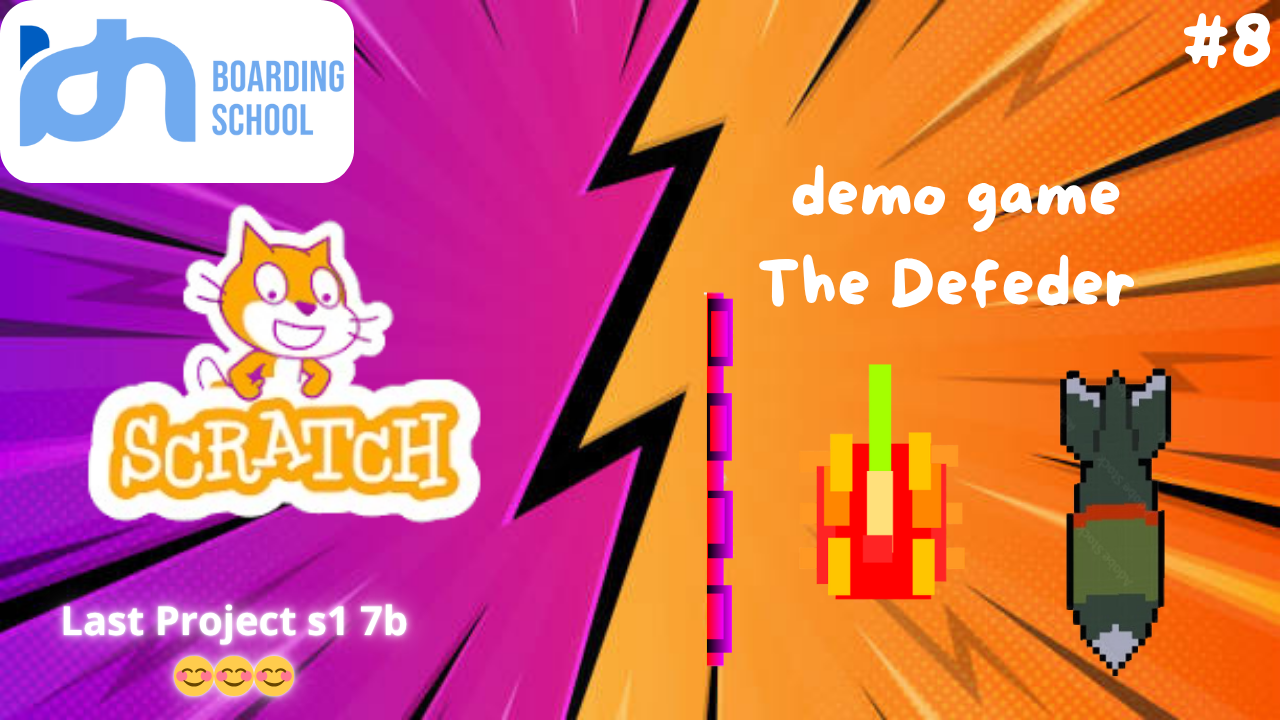
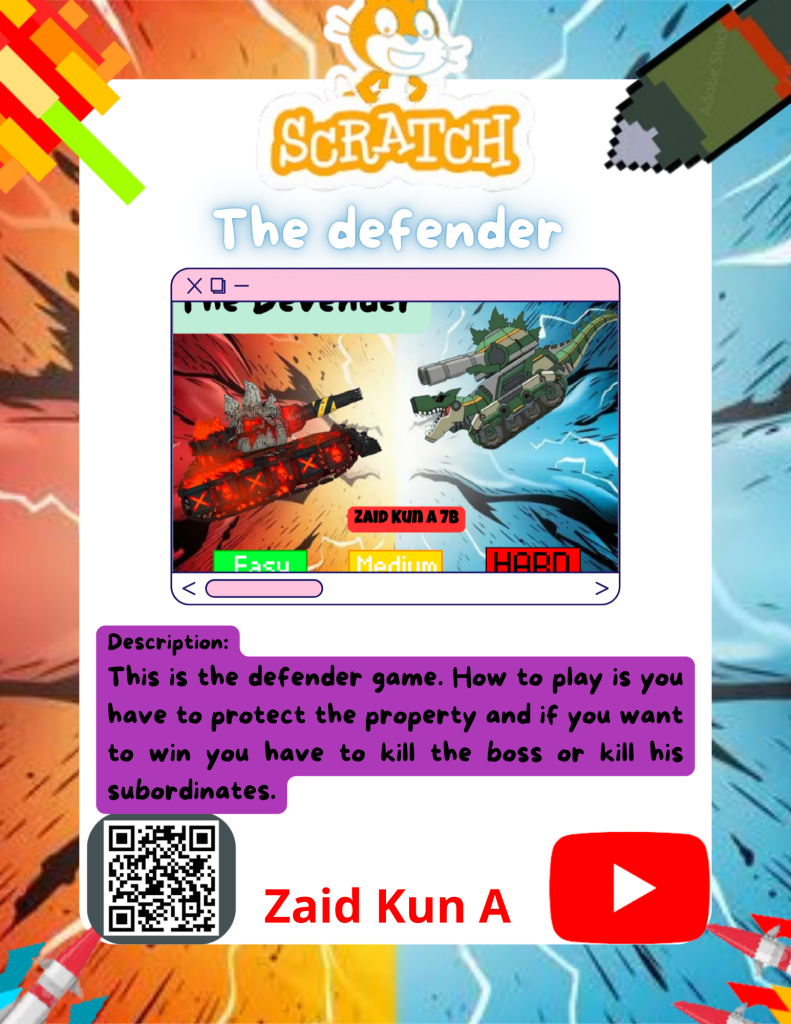
    The Defender is an action-arcade game created in Scratch where the player controls a hero who must protect their area from waves of enemies. The main objective is to survive as long as possible while attacking incoming threats. Players move their character using the keyboard and shoot projectiles to defeat the enemies. Every enemy defeated increases the score, and the difficulty rises over time as more enemies appear and move faster.

    The game often includes sound effects and colorful animations to make gameplay more exciting. Players must react quickly, use strategy, and time their attacks correctly to stay alive. If enemies reach the defense zone or the hero loses all health, the game ends. The Defender encourages fast thinking and good hand-eye coordination, providing a fun and challenging experience for players of all ages.