Design Ilustrasion
Affinity is a professional design suite developed by Serif. It’s often used as an alternative to Adobe because it’s a one-time purchase without a subscription.
Affinity Tool Function
Move Tool (V) Selects, moves, and resizes objects.
Node Tool (A) Edits nodes on a vector object.
Pen Tool (P) Manually creates vector lines or shapes.
Pencil Tool (N) Draws freehand like using a pencil.
Vector Brush Tool (B) Draws with a vector-based brush.
Corner Tool (C) Curves the corners of an object.
Fill Tool (G) Adds a gradient color to an object.
Transparency Tool (Y) Adds a transparency or fade effect.
Shape Tool (M) Creates basic shapes such as squares, circles, triangles, stars, hearts, and more.
Text Tool (T) Adds artistic text or paragraphs.
Artboard Tool Creates multiple work areas (artboards) within a single document.
Color Picker Tool (I) Picks color from another object or image.
View Tool (H) Pans the canvas view.
Zoom Tool (Z) Zooms in or out of the design.
and my difficulty in making illustration designs in affinity is that it has to be really precise
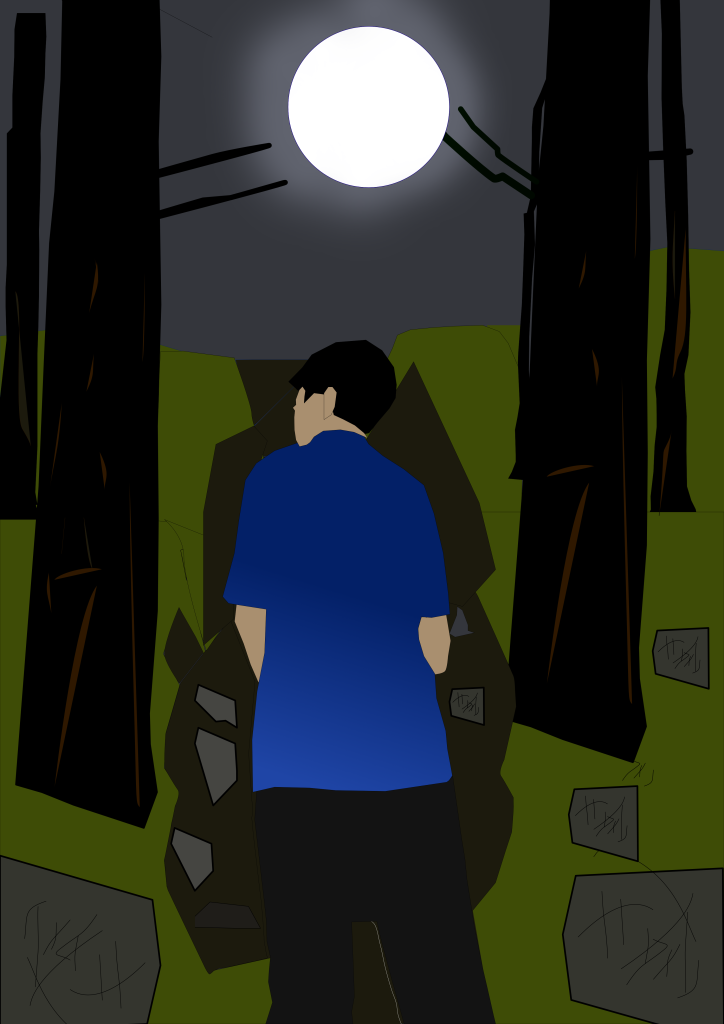


![Retelling Story]Pratical exam](https://zaid.gen9bidn.com/wp-content/uploads/2026/05/Pratical-exam.png)



![Smart Watering Plan] Project 5](https://zaid.gen9bidn.com/wp-content/uploads/2026/04/Screenshot-2026-04-20-094650.png)